Introduction :
Running a business involves many daily responsibilities. Teams need to manage customers, organize information, track performance, and complete different tasks. Handling everything separately can slow down business operations.
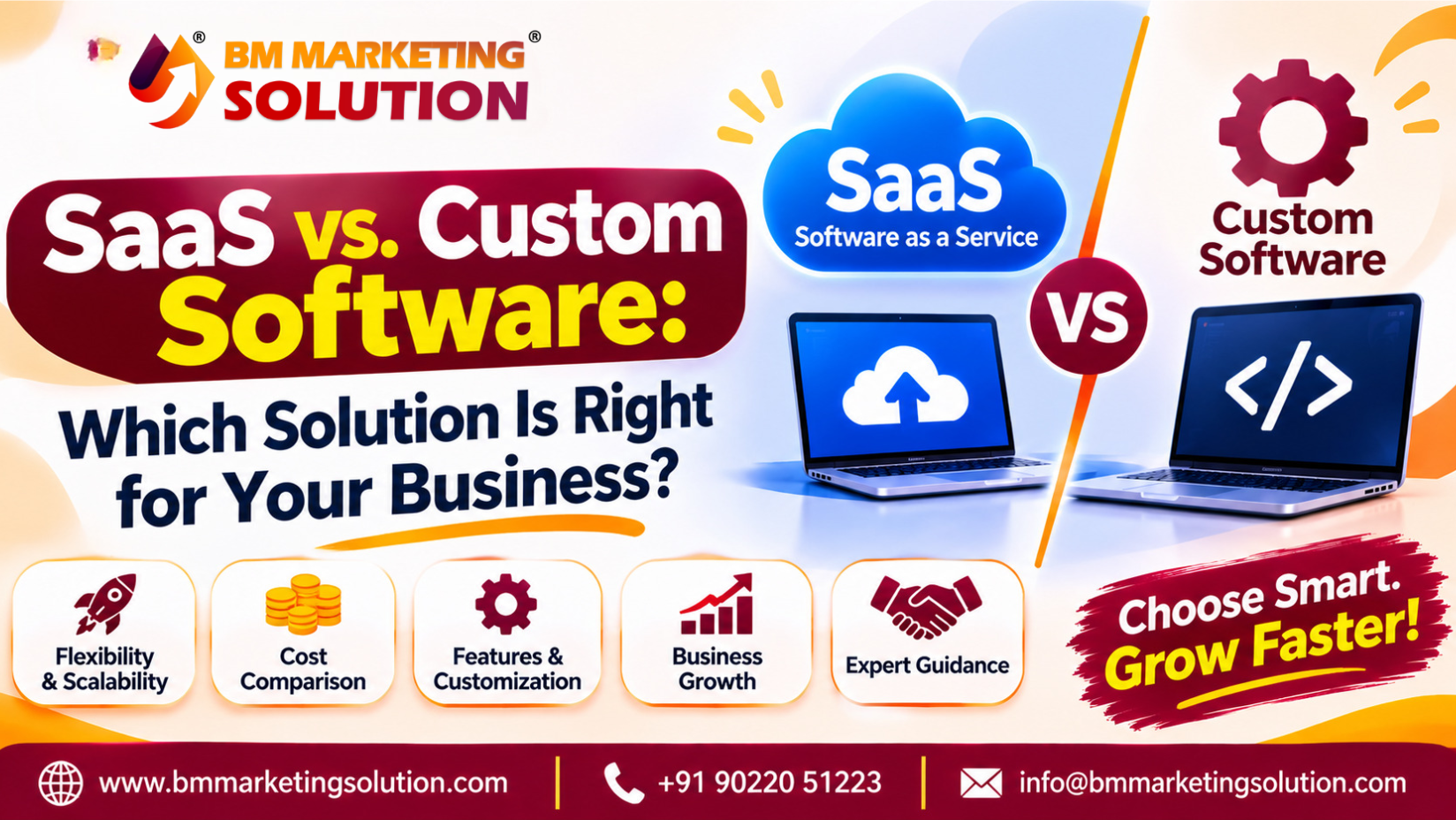
SaaS (Software as a Service) makes these activities easier. It allows businesses to use software through the internet without managing complex installations. Companies can access their applications, manage data, and work with teams from different locations.
However, not every SaaS product offers the same capabilities. Choosing the right platform requires attention to its features, security, and flexibility.
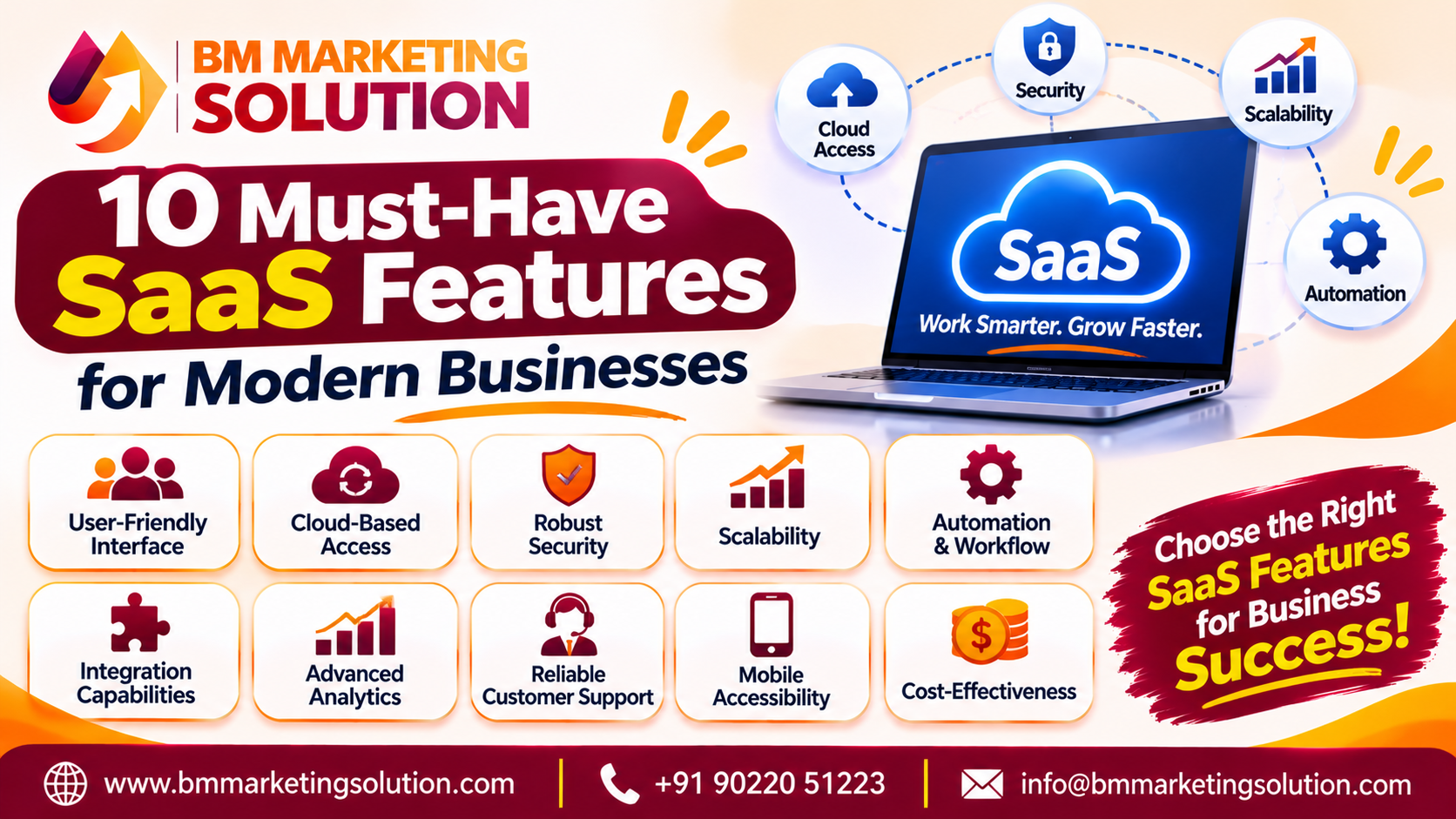
Let us look at ten important SaaS features that can help businesses work smarter.
1. Easy-to-Use Interface :
Software should make work easier, not more complicated. A clean interface helps employees understand the platform without spending hours learning it.
Users should be able to find important tools quickly. Clear menus and simple navigation also improve the overall experience.
A good interface should offer:
Simple navigation menus.
Organized dashboard sections.
Easy access to important functions.
Customizable user settings.
An intuitive design helps teams complete their work with fewer difficulties.
2. Advanced Security Protection:
Every business handles information that needs proper protection. Customer records, payment details, and internal documents should remain secure.
A reliable SaaS platform must include strong security controls. These measures help protect information against unauthorized access and potential threats.
Important security capabilities include:
Data encryption.
Multifactor authentication.
Role-based permissions.
Login activity monitoring.
Regular security updates.
Strong security practices also help businesses build trust with their customers.
3. Access from Multiple Devices :
Work is no longer limited to office computers. Employees may need to check business information while traveling or working remotely.
Cloud-based access makes this possible. Authorized users can open their applications through supported devices and an internet connection.
This flexibility helps teams stay connected. It also makes it easier to manage operations across different locations.
4. Smooth Third-Party Integrations:
Many companies depend on different applications for their daily activities. Using disconnected systems can create duplicate entries and unnecessary manual work.
SaaS integration helps connect these applications. Information can move between supported tools through APIs and other integration methods.
Common integration options include:
Customer Relationship Management (CRM).
Enterprise Resource Planning (ERP).
Accounting software.
Payment gateways.
Email marketing platforms.
Connected systems improve information flow and reduce repetitive tasks.
5. Flexible Plans and Scalability:
Business needs rarely remain the same. A growing company may need more users, additional storage, or advanced functionality.
Scalable SaaS software makes these changes easier. Businesses can select suitable plans and expand their resources as requirements increase.
This approach is useful for startups and established companies. It also helps organizations avoid paying for unnecessary features.
6. Smart Task Automation :
Manual activities can take up a large part of the working day. Automation helps reduce this burden by handling repetitive processes.
For example, software can send notifications, create invoices, and schedule reminders automatically.
Useful automation features include:
Automatic email alerts.
Scheduled reports.
Invoice processing.
Task notifications.
Customer follow-up reminders.
Employees can then spend more time on planning, customer service, and important business decisions.
7. Real-Time Business Analytics:
Understanding business performance is important for future planning. Guesswork alone cannot provide a clear picture of what is working.
Analytics tools turn business information into useful reports. Managers can review sales figures, customer activities, and operational performance.
A well-organized reporting system makes important trends easier to identify. It also helps decision-makers respond to problems more quickly.
8. Dependable Customer Assistance :
Technical difficulties can interrupt daily operations. Businesses need access to support when something goes wrong.
Before purchasing a SaaS product, review the provider's support services. Check whether assistance is available through email, chat, or other communication channels.
Look for these support options:
Technical troubleshooting.
Email assistance.
Live chat support.
Help documentation.
Product training resources.
Good support reduces confusion and helps users get more value from their software.
9. Automatic Updates and Improvements :
Outdated software can create performance and security problems. Regular updates help keep applications reliable and useful.
Most SaaS providers manage updates through their cloud infrastructure. This means customers generally do not need to install every update manually.
New releases may include security improvements, bug fixes, and additional functionality.
Businesses should also review update policies before selecting a provider.
10. Backup and Disaster Recovery:
Losing important information can affect business activities. Hardware failures, accidental deletion, and unexpected incidents may put company records at risk.
A dependable SaaS platform should provide suitable backup and recovery capabilities.
Check these important points:
Scheduled data backups.
Secure backup storage.
Data restoration options.
Recovery procedures.
Backup retention policies.
A clear recovery strategy helps businesses prepare for unexpected situations and reduce potential disruption.
What Should Businesses Check Before Selecting SaaS Software?
Choosing software involves more than comparing subscription prices. The platform must match your actual requirements and business goals.
Consider these factors before making a decision:
Understand Your Business Requirements :
Identify the tasks that need improvement. This helps you select features that solve real problems.
Compare Pricing Options :
Review monthly and annual plans. Also, check additional charges for storage, users, and premium features.
Evaluate Security Standards :
Examine the provider's security practices, access controls, and backup policies.
Request a Product Demo.
Testing the platform helps you understand its interface and available functions before making a purchase.
Review Future Expansion :
Select software that can support additional users and changing business requirements.
Conclusion:
The right SaaS platform can make everyday business activities easier. Features such as automation, cloud access, integration, analytics, and security help organizations manage their work more effectively.
However, selecting software requires a clear understanding of your business needs. A suitable solution should offer useful features today and enough flexibility for tomorrow.
Are you planning to develop software for your business? BM Marketing Solution offers custom software development and digital solutions designed around business requirements.
Let's build a smarter software solution for your business!
Frequently Asked Questions (FAQs) :
1. What does SaaS mean in business software?
SaaS stands for Software as a Service. It is a software delivery model that allows users to access applications through the internet, usually with a subscription.
2. Which SaaS features are most important for businesses?
Security, cloud accessibility, scalability, automation, integrations, and reporting are among the important features. The right combination depends on business requirements.
3. How does SaaS help improve business productivity?
SaaS reduces manual work through automation and connected applications. It also gives employees access to business tools from different locations.
4. Can businesses develop custom SaaS applications?
Yes. Businesses can develop custom SaaS applications based on their workflows and customer requirements. These platforms can include specific features, user roles, integrations, and subscription models.
Contact BM Marketing Solution :
Looking for custom software development services? Get in touch with our team to discuss your project requirements.
Email: info@bmmarketingsolution.com
Contact Page: https://bmmarketingsolution.com/contact-us/